How to start selling on Kaufland
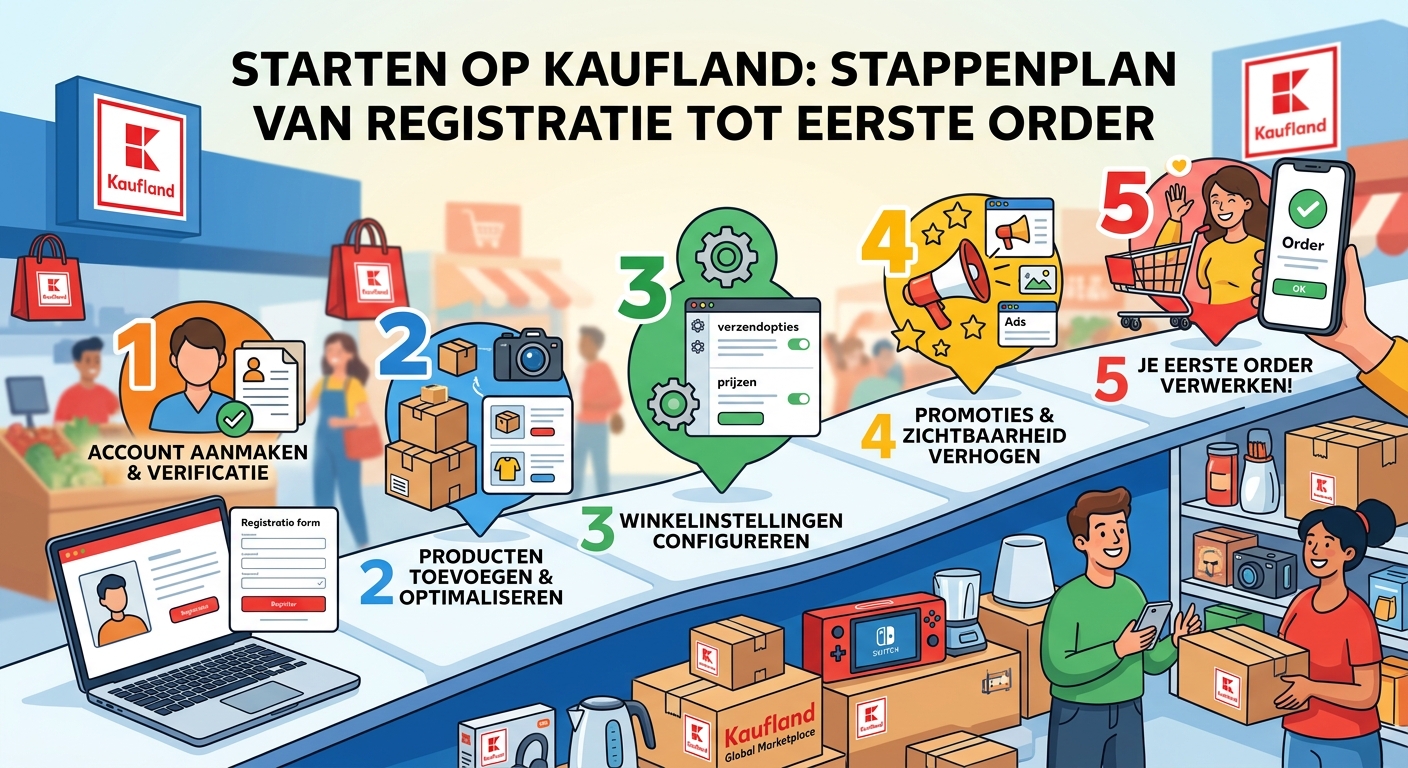
Starting on Kaufland takes eight steps: prepare company details, choose a plan, register in the Seller Portal, pass verification, supply product data, select markets, choose a shipping route and go live. The lead time is shorter than on most marketplaces, largely because Kaufland handles the majority of statutory producer responsibility on selected sales channels.
Step 1 — Company details
Company registration, VAT number, business bank account. Make sure names and addresses match your registration exactly; mismatches cost days in verification.
Step 2 — Choose a plan
Basic at €39.95 per month excluding VAT, or Plus at €59.95 with a backlink to your own shop and €30 advertising credit. One fee for all nine markets. Full calculation in Kaufland seller fees.
Step 3 — Register in the Seller Portal
You create your seller account and supply company and VAT details.
Step 4 — Verification
Identity and business checks. Allow several days.
Step 5 — Supply product data
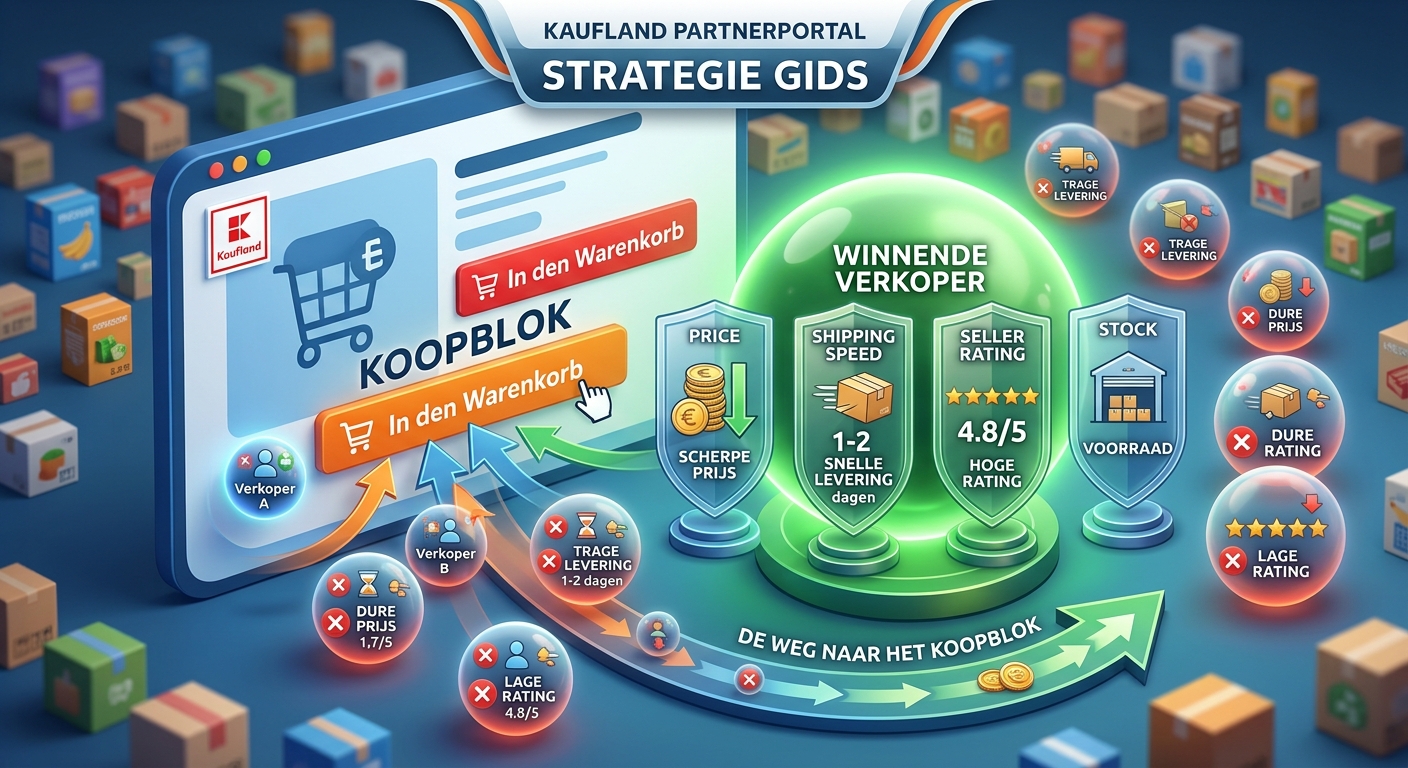
Kaufland runs an EAN-driven catalogue. If your product exists, you attach your offer to the existing page. If it doesn't, you supply the product data yourself. Manually, by file import, or through an integration.
Step 6 — Select markets
Nine countries on one registration: Germany, Austria, Czechia, Slovakia, Poland, France, Italy, Spain and the Netherlands. Don't start with all nine. Pick two whose language and return expectations you can handle.
Step 7 — Choose a shipping route
Fulfillment by Kaufland, self-shipping, or self-shipping through Kaufland Shipping Services at Kaufland's carrier rates. See Kaufland fulfilment options.
Step 8 — Live and measuring
First month: are your offers appearing, what's your conversion, and — most important — what's your contribution margin per product after commission and shipping?
What's lighter here than elsewhere
On selected sales channels Kaufland takes on the majority of statutory extended producer responsibility, including EPR numbers and volume reporting. Anyone who has expanded internationally before knows how many weeks that normally costs. which channels and obligations that covers; VAT registrations remain yours regardless.
How Rylee supports your start
Overview from order one. Kaufland alongside Amazon, bol, Shopify and WooCommerce in one shop analytics overview: orders, sales and stock.
Margin from day one. Costs, margins and contribution margin per product plus a consolidated P&L, so your monthly check isn't manual work.
AI Advisor. Ask in plain language which products contribute and what changed, per market.
MCP connection to use that same data in your own AI tools.
Support with fast response and on-site help where it counts.
Frequently asked questions
How long does setup take? Registration and verification usually run from a few days to two weeks; supplying product data determines the rest.
Do I have to sell in all nine markets? No. You select which markets to activate.
Do I need EANs? Yes, the catalogue is EAN-driven. If your product exists you attach to the existing page.